Roblox | Recommended All Games (6 Titles)
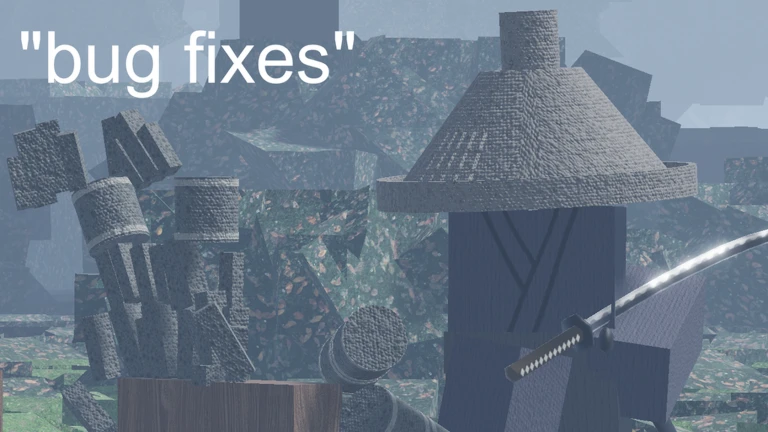
is honor truly dead
pc keybinds
x to bow or sheath
b to pray
e, q, f for directional cuts
r to change stance
= to take off hat
g to displace
console keybinds (ps/xbox)
2x dpadleft = pray
2x dpadright = bow
dpaddown = change stance
triangle/Y = sheathe/displace
square/X = atk left
circle/B = atk right
cross/A = atk down
L3 = shiftlock
credits:
- captainwoodlegs: melee system, map, immersion, movement system, hat models, some sword models, character models, animations
- adeptrblx: despaghettifying my code, device support
- tannergombi: ramen, honor system, leaderboard, join system, epic code optimization
- aedanluke: nuclear devices
- jondecus: the dirty work, environmental supervisor
- Roblox/various artists: public released sounds
easter eggs:
say "kurosawa" for cinematic mode
some console or mobile support added
yee haw
a game for hunting and gunslinging
join the community below for updates and guides
credits (sorry if i missed anyone)
SCRIPTS
- captainwoodlegs: core systems, gun code, ragdolls, AI, game logic, character scripts, etc
- adeptrblx: stocks, mining, heists, bosses, jobs, activities, main menu, newer updates and game maintenance
- aedanluke: nuclear devices
- warshipcommander: assisting with systems
- lua_u: optimization advice
MODELS
- captainwoodlegs: character holsters and basic tools
- adeptrblx: newer models
- Aged Oak: wolf hat mesh
- localpocketsage: bear hat mesh
- dangernoodle25: raccoon hat mesh
- Roblox: meshes and materials for cowboy hats
- various artists: gun meshes
- Ivan Norman: navy revolver model
TEXTURING
- captainwoodlegs: retextured few weapons
- Roblox: providing materials for the stuff ingame
- various artists & Nostalgic Designs Co.: old roblox T-Shirts
ANIMATIONS
- captainwoodlegs: all animations/inverse kinematics
![Conquest: Napoleonic Wars [Pre-Alpha]](https://tr.rbxcdn.com/180DAY-d77f6f41114f2d8dbf621b732cab0bfd/768/432/Image/Webp/noFilter)
Conquest: Napoleonic Wars is a real time strategy (RTS) game based on the Napoleonic era, inspired by Napoleon Total War and a successor to Conquest by captainwoodlegs.
Keybinds
R = Rotate units
Z = Show units range
H = toggle march at same speed
X = ping
C = halt selected units
Q = select all the units
E = deselect all selected units
Left control = see all the units goals positions without having them selected
Left control and click on an unit = select units without deselect.
T + click = move units into a line automatically
Shift + click = move all the selected units in formation rather than all to the same place
Shift + click a unit = selecting all the units of the same type
Shift + press a number = select all units of the same type
MOBILE
Double tap and hold = dragging to select multiple units at once
Use /private in your own private server to open or close the servers settings UI
Use /unstuck if ur character cant move
hush, here comes a whizzbang
now you soldiers get down on the stairs
down in your dugouts and say your prayers
hush, here comes a whizzbang
and it's making straight for you
and you'll see all the wonders of none man's lan'
if a whizzbang hits you
console controls (PS/Xbox):
Square/X = load weapon
Triangle/Y = hammer/shoulder weapon
Circle/B = ready/aim weapon
L2 = use scope (sharpshooter class only)
DPadLeft = call for medic
DPadDown = callouts
credits:
captainwoodlegs: models/code
AdeptRBLX/tepda: raids/customization/ui/events
Fitzrovia Chorus & John Mealing: sing alongs
various artists & roblox: instrumental music
chees
Read more
build and fight your friends
controls:
- click snow to pick it up
- throw snow by clicking and moving
- click with hammer to build (requires snow in your inventory)
- click M to see your hats gained by badges