Roblox | Recommended Puzzle (194 Titles)

Welcome to the IQ Obby
It's parkour, but it's not just parkour. It needs to engage your mind too.
💡 How to play:
- Complete the stages
- Think and try to solve puzzles and obstacles
- Reach the end and finish the game 🎌
🍁Fall Event happening now!🍁
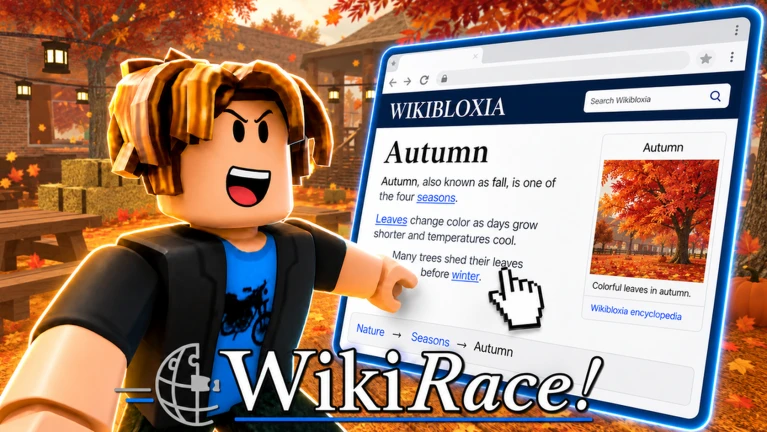
🌐 Welcome to WikiRace! 🌐
The Roblox wiki racing game where you jump from article to article to reach the target—right from your own virtual laptop!
🎲 Start at a random article.
🎯 Be the first to reach the target article!
🔗 You can only travel by clicking links inside each page
🧠 Use knowledge, strategy, and unexpected connections
🏆 Set wiki speedrunning records!
✨ FEATURES:
💻 Browse real encyclopedia articles inside Roblox!
🏁 Race friends across multiple game modes!
🎨 Customize your laptop, theme, cursor, and more!
⚔️ Race 1v1 against other players in Ranked games!
🏆 Earn XP, coins, and leaderboard spots!
📚 WikiRace! is an independent project, not endorsed by or affiliated with the Wikimedia Foundation. Our article collection uses automated filtering to remove unsuitable topics and problematic words for a more child-friendly experience. Article content is used under CC BY-SA 4.0, with sources and modifications identified in-game.
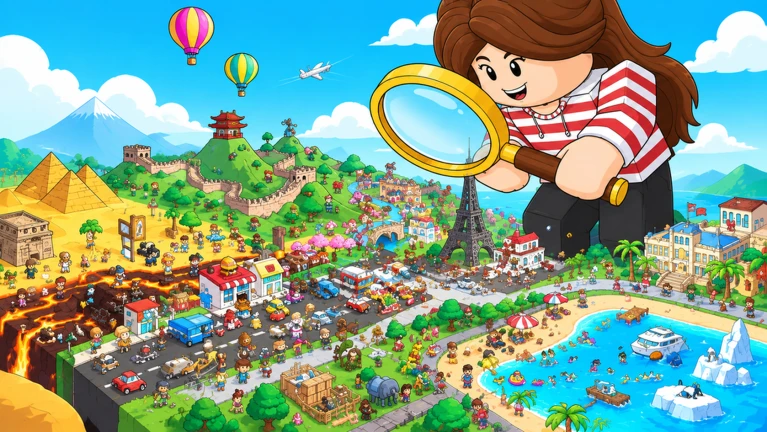
🌍 Travel the world, find hidden treasures, and enjoy a relaxing journey!
✨ Explore beautiful places, collect unique treasures, and discover little surprises along the way.
💎 Collect, explore, and chill — your adventure awaits!
🔥 5 NEW MAPS every week!
👍 LIKE and ⭐ FAVORITE for more updates!

PLAYING LINGO BEFORE PLAYING THIS IS RECOMMENDED HEAVILY
Find it just by searching lingothegame. The first result is the official website!
Linglox, solve the puzzles, get all the badges, do whatever. (Data saves automatically, no progress is lost!)
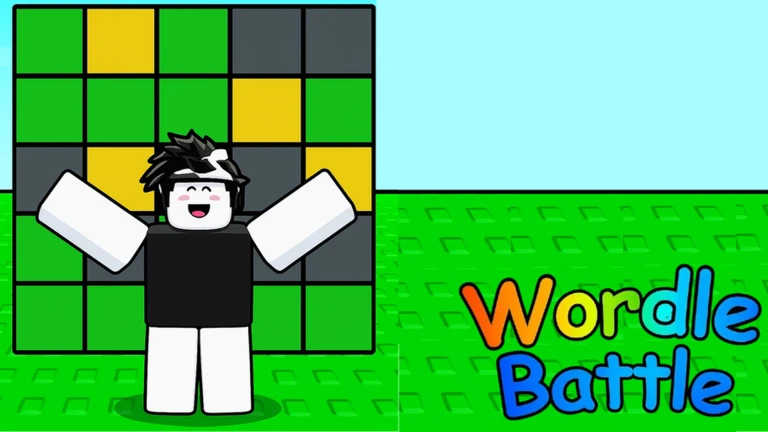
To solve a prompt, type in the correct answer! The color and position of the block matters.
Inspired by: Brenton Wildes' "Lingo I & II"
Created by: Many People...
Artwork credits: Moon and Croutons for badge icons and loading screens, they're awesome, go check them out (@._moon_moon_.), (@croutons0292)!
Check the art gallery for the communities art!

Welcome to Find The Button
In this game, you aim to find the button which exist in the worlds!
💡 How to play:
- Look for button
- When you find a button, touch it
- Reach more levels 🎌
👍 Click like if you like the game
All rights reserved to Dragons's Studio

👋 Welcome to Find the button! 👋
🔎 In this game you have to find a red button to make it to the next stage. 🔎
(The game has 34 stages right now)
🔥Your Progress will be saved. 🔥
🎁 We will build more stages for you in the future 🎁
⭐ Don't forget to like and favorite the game for new updates! 👍
✅ Join the group and be part of a great community! ✅
💕 Thanks for playing 💕
This game was made by: Dominic6367 and juneslolo
[Tags]: FindTheButton, funny, Find, Button, search, fun, new, newupdate, newgame, findthebutton, Original
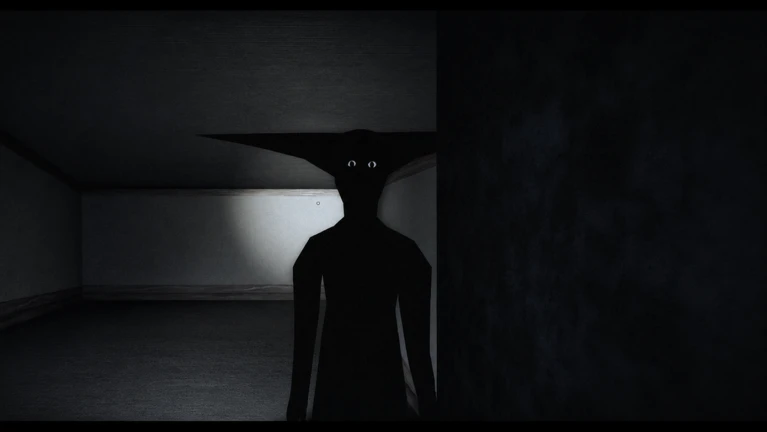
!! This game is inspired by _ Boisvert, go follow his series !!
early development, expect bugs / there is now a server, join for devlogs and bug reports / suggestions
You wake up in a room with the exit sealed tight, in order to escape you'll have to navigate an abandoned network of corridors to retrieve four keys and one code .. but something's watching
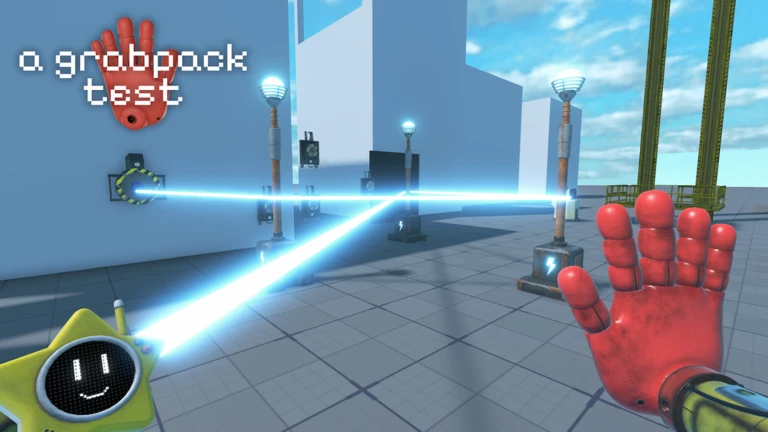
Developers:
- Elian3103 (Scripting, Building & Modeling)
- Enryprew_br (Scripting)
- Rixxles (Scripting, Building & Modeling)
- Maki (Building)
- JTMMachinima-JTM (Animator)
Contributors:
- ScaryTvMan1-funkyfriday412 (Helped make the yarnaby map)
- Kitafuzzi (helped build new rooms for map 4)
- Aithermoving (coded most of the cosmetics menu)
❗IMPORTANT
10% Of models from mob (like huggy)
10% Of models from sketchfab
80% Of models remade by us
The troll hand and all cosmetics are models by us, not from Mob
If a mob employee is seeing this, and considers something breaks their rules, please contact us.
Credits to Mob Entretaiment
Keybinds:
PC:
[Scroll / Number Keys] - Switch Hands
[Q] - Hand Wheel
[Left/Right Click] - Shoot left/right hand
[Shift] - Sprint
[T] - Unlock Mouse
[F] - Flashlight
[V] - Blacklight
Controller:
[Y Button] - Switch Hands
[L1/R1] - Shoot left/right hand
[L3/Joystick Press] - Sprint
[R2] - Crouch
[Back/Select Button] - Pause Menu
[B Button] - Flashlight